

Editorial Disclaimer: Smart Update24 verifies information through official websites, government notifications, and trusted sources before publication. Our team also conducts independent research and analysis to provide accurate information to readers; however, users are advised to verify important details from the respective official websites for final confirmation.
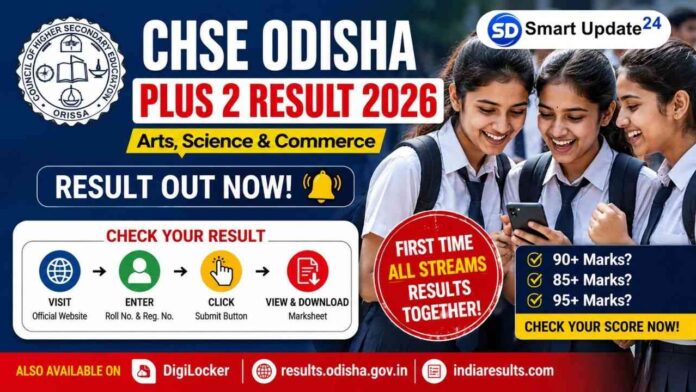
CHSE Odisha Plus 2 Result 2026: The wait is finally over for thousands of students across Odisha. The Council of Higher Secondary Education (CHSE), Odisha, has officially released the Plus 2 Result 2026 for Arts, Science, and Commerce students. This year brings a major change because, for the first time, all major streams have been declared together on the same day.
Related Article: WB HS Topper List 2026: Science, Commerce & Arts Stream-wise Toppers
If you are a student sitting with your admit card in hand and wondering, “Where do I check my result?”, don’t worry. Think of this as a teacher guiding you step by step.

Related Article: Annapurna Yojana West Bengal 2026: 3,000 Monthly Scheme, Eligibility, Portal & Full Details
First thing: Keep these details ready
Before opening any result website, keep these details beside you:
• Roll Number
• Registration Number
• Admit Card
• Mobile phone with internet connection
Without these details, you may face problems while checking your marks.
Official websites to check Odisha Plus 2 Result 2026
Students can check their results from these official portals:
Results are available online for Science, Arts, and Commerce students.
How to check CHSE Odisha Result 2026
Follow these simple steps:
- Open the official result website.
- Click on “CHSE Odisha Plus 2 Result 2026”.
- Enter your Roll Number and Registration Number.
- Click on the Submit button.
- Your result and subject-wise marks will appear on the screen.
- Download and save the marksheet for future use.
Website not opening? Don’t panic
Every year, when lakhs of students check results at the same time, websites become slow or temporarily stop responding.
If that happens:
• Refresh after a few minutes
• Try opening the website in another browser
• Use DigiLocker
• Check during non-peak hours
There is no need to panic if the page loads slowly.
How to download your marksheet from DigiLocker
Many students now use DigiLocker because it allows quick access to digital marksheets.
Follow these steps:
- Open the DigiLocker app or website
- Log in using your mobile number
- Search for CHSE Odisha documents
- Select Class 12 Marksheet 2026
- Enter required details
- Download your digital marksheet
What should students do after checking the results?
Once you see your marks:
If your score is good:
Start applying for undergraduate courses and admission processes.
If marks are lower than expected:
Do not make decisions in a hurry. Check for re-evaluation or rechecking options.
If websites show errors:
Wait patiently and try again later.
Remember, a result is important, but it is not the final definition of your future.
Important reminder for students
The online result is provisional. You should later collect the original marksheet from your school or institution for admission and official purposes.
For many students, today is a day of celebration. For some, it may bring mixed emotions. Whatever your score is, take it as the next step in your journey and move ahead with confidence.
